
Running slow
Windows computer is running slow or frozen. You keep opening Task Manager repeatedly to watch the CPU or RAM spike to 100%.
PcFix is an AI troubleshooting agent that searches Windows forums, Reddit PC communities, Youtube tutorials, and verified troubleshooting resources to find solutions to problem similar to yours. It analyses real-world cases and available evidence to recommend relevant, practical fixes for your PC problems.
Built for Windows.
Most PC problems fall into a handful of headaches. PcFix has seen them all.
Windows computer is running slow or frozen. You keep opening Task Manager repeatedly to watch the CPU or RAM spike to 100%.
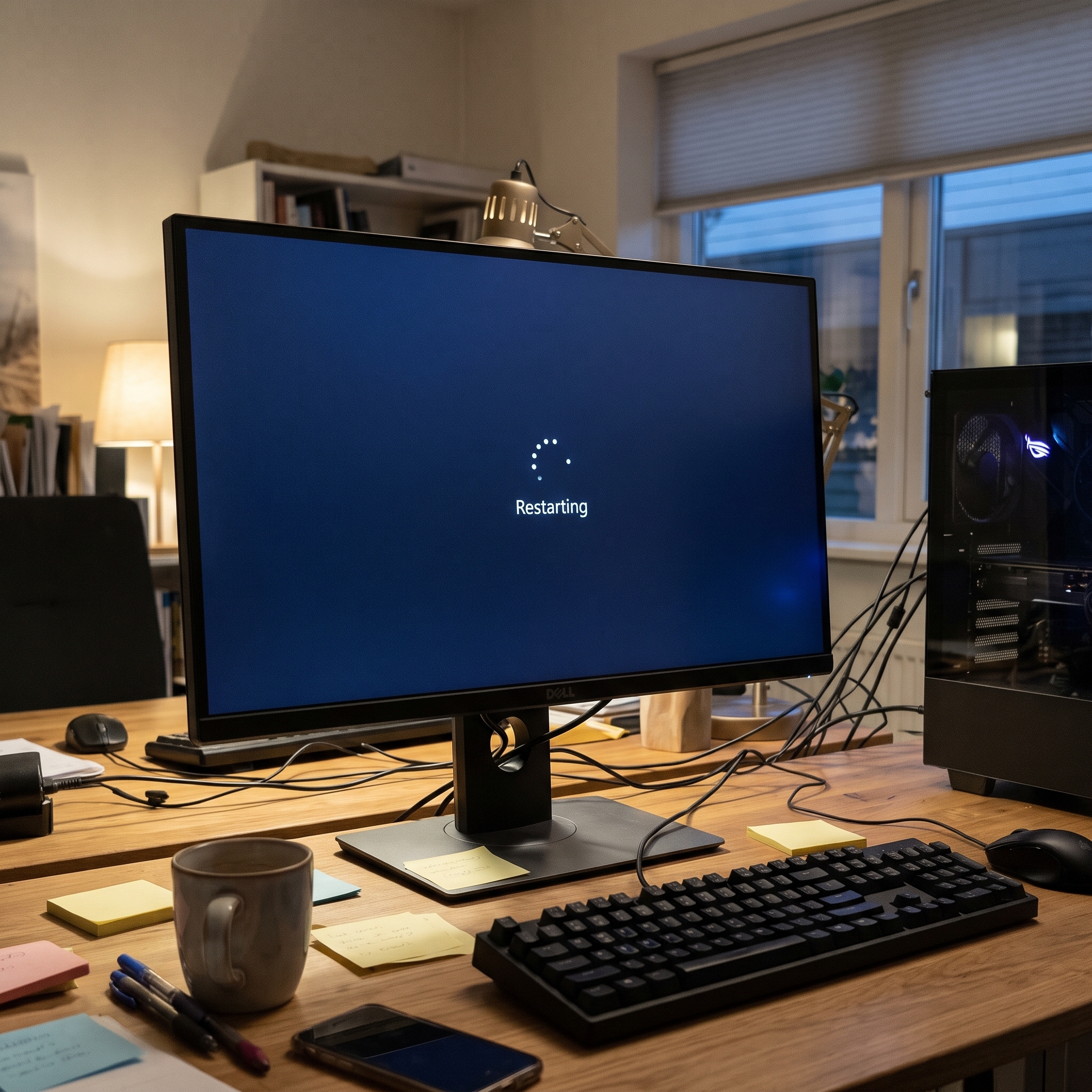
Everything locks up mid-task and control alt delete not working. PC stuck on welcome screen or restarting screen.
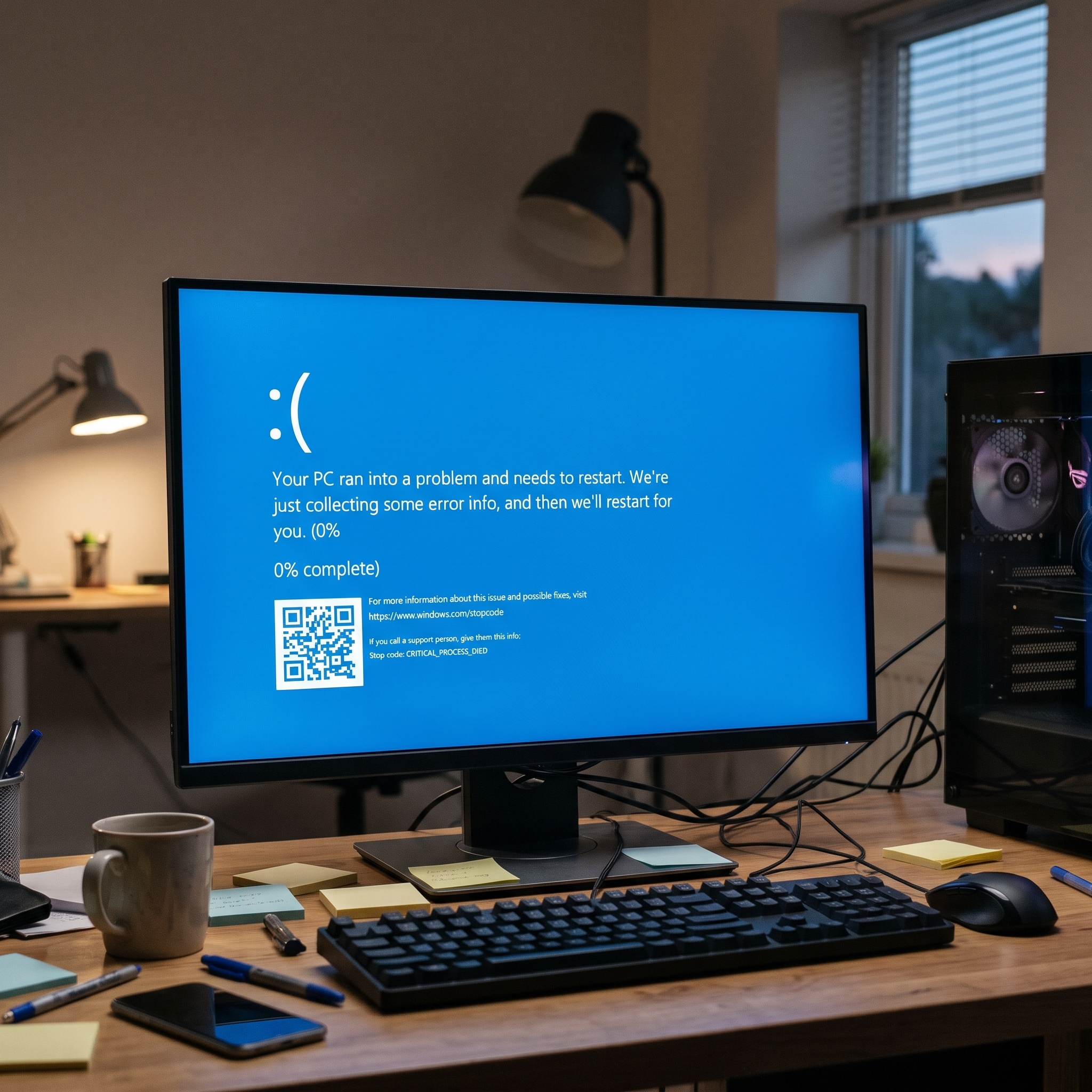
Sudden blue screens, unexpected restarts, crashes while gaming, or PC randomly crashes and restart.
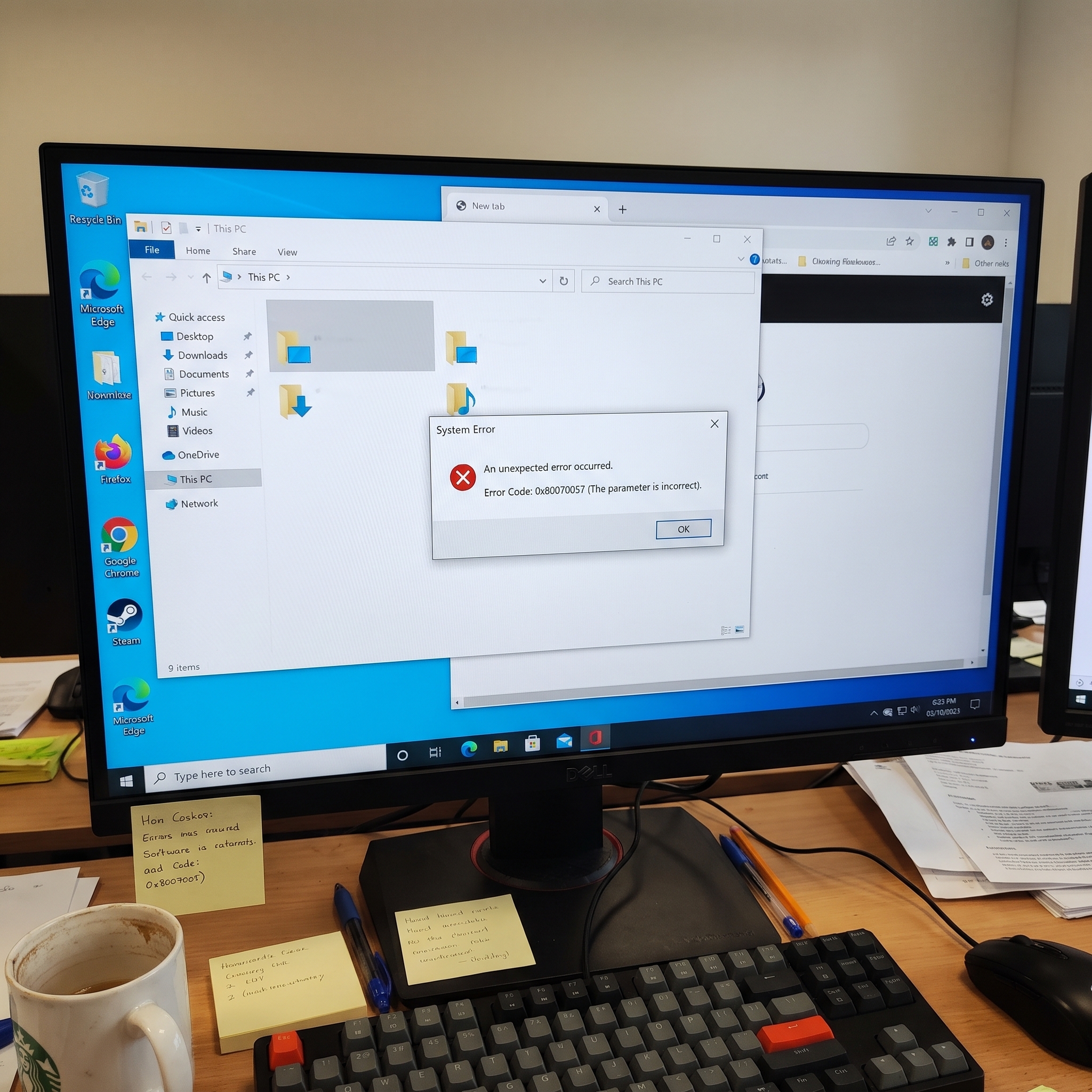
A message pops up with a code that means nothing to you, and it won't go away.
Every PcFix response is more than a generic suggestion or a list of links. It follows a seven-section structure that draws on its knowledge base, live forum history, and YouTube solutions to cover everything you need to resolve your issue.
PcFix confirms exactly what's going wrong with your PC in clear, everyday language.
Understand the root cause, so you know it wasn't random.
Get a complete overview of the solution approach before diving into the detailed steps.
Know exactly what you'll need, whether it's a built-in Windows tool or something to download.
Follow along one action at a time with clear instructions.
If there's a faster way, PcFix shows you the exact command to run. No guessing required.
Learn how to avoid this problem happening again with practical, actionable tips.
General AI chatbots know a little about everything. PcFix only does one job: figuring out what's wrong with your Windows PC by combining curated repair guides with real-time forum, YouTube, and community fix history.
PcFix learns from every fix it delivers. It collects user feedback after each resolved case and combines that outcome data with verified solutions across online troubleshooting groups to continuously improve future responses.
The more problems it resolves, the smarter it gets, remembering past fix history across users.
When a fix has been confirmed successful by multiple users, PcFix automatically prioritises that fix at the top of the repair guide.
Over time, the more problems PcFix resolves, the more accurate and targeted its responses become.
This compounding intelligence is PcFix's deepest technical advantage.
Powered by an intelligent agent that searches past fix history across online forums, YouTube repair guides, and real-time Windows updates.
Crawls Reddit, Microsoft Community, ElevenForum, TenForums, and BleepingComputer to find what actually worked for real users.
Pulls proven repair workflows from top Windows troubleshooting videos and distills them into clear written steps.
Filters by recency so bugs caused by this week's Windows 11 update or latest GPU driver get current, up-to-date solutions.
Remembers which solutions solved the exact same problem for past PcFix users and ranks them first.
No office hours, no queue. Open PcFix whenever your PC acts up.
Every explanation is written for a non-expert user, not an engineer.
Follow along one step at a time, never a wall of instructions at once.
Nothing to install. Open the app and start describing your issue.
Our mission is to help everyone fix Windows PC problems faster, without needing technical knowledge.
Learn moreFast, plain-English help for everyday Windows problems.
Start with BasicDeeper diagnoses for tougher problems, built from what has worked before.
Not available yetNo. Describe your problem the way you'd explain it to a friend or IT Professional. PcFix handles the technical side and explains everything in plain language.
Alongside its curated knowledge base and past user fix rankings, PcFix searches trusted Windows communities, including Reddit, Microsoft Answers, ElevenForum, TenForums, BleepingComputer, and YouTube guides, using time-aware filters to find solutions confirmed to work on current Windows builds.
No installation needed. PcFix runs right in your browser, so you can get help even on your mobile devices if the issue is affecting your PC's performance.
Getting started with PcFix is free. Open the app to see current plans and what's included.
Write it the way you understand. PcFix have an indepth understanding of what you are trying to solve and gives you a proven fixes.
What you share with PcFix is used only to help diagnose and fix your issue. Chats may be used to improve it's intelligence.